
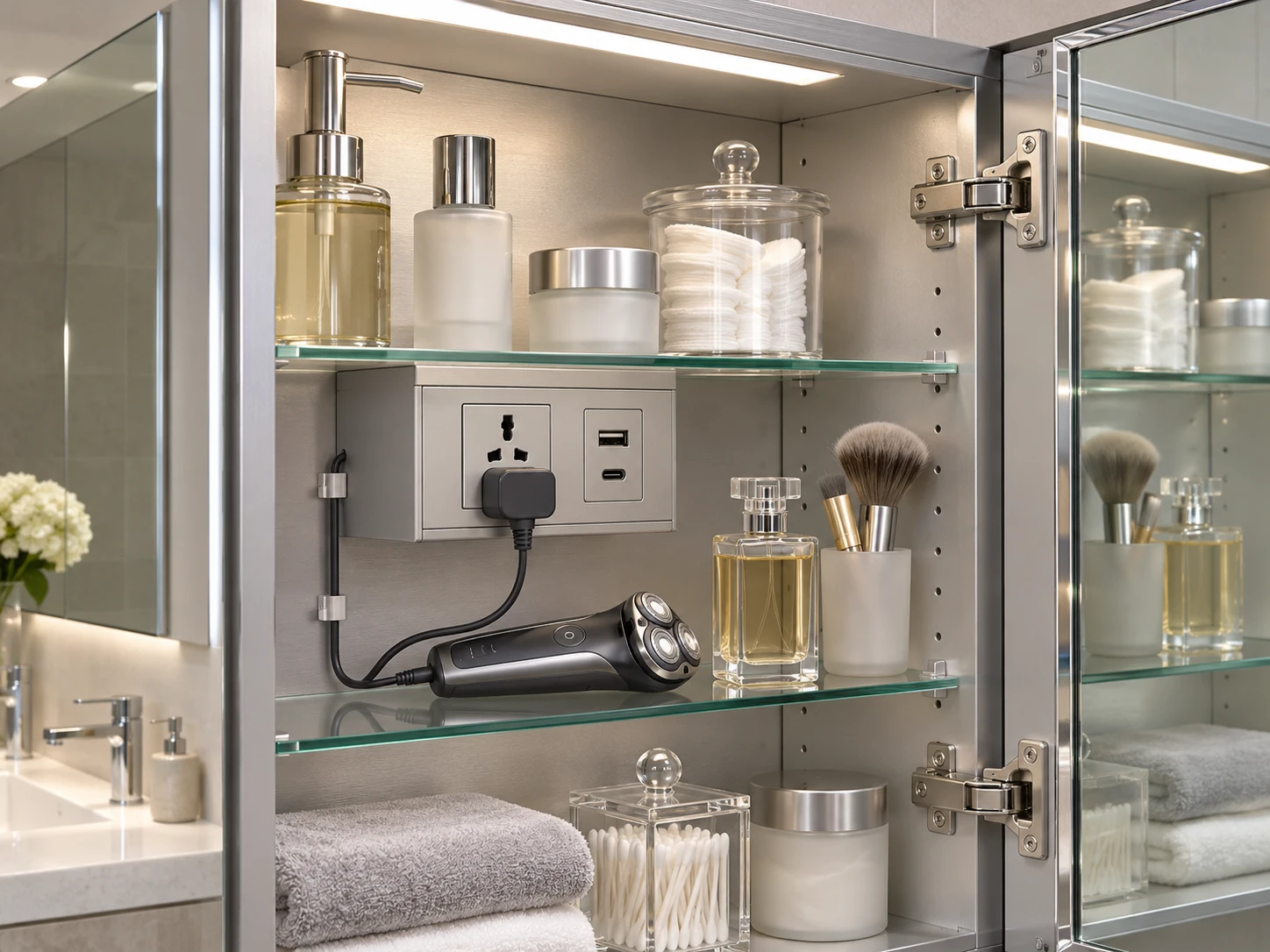
Shaver socket and USB charging
Choose the required outlet format for the destination market. Allow space for the plug, cable and appliance while keeping shelves and hinges accessible.
Mirror Cabinets / Functions & Customisation
Define lighting, heating and charging around the way the cabinet will be used. Develop a clear operating sequence for the mirror doors, room switch and internal accessories.
Choose Size & Options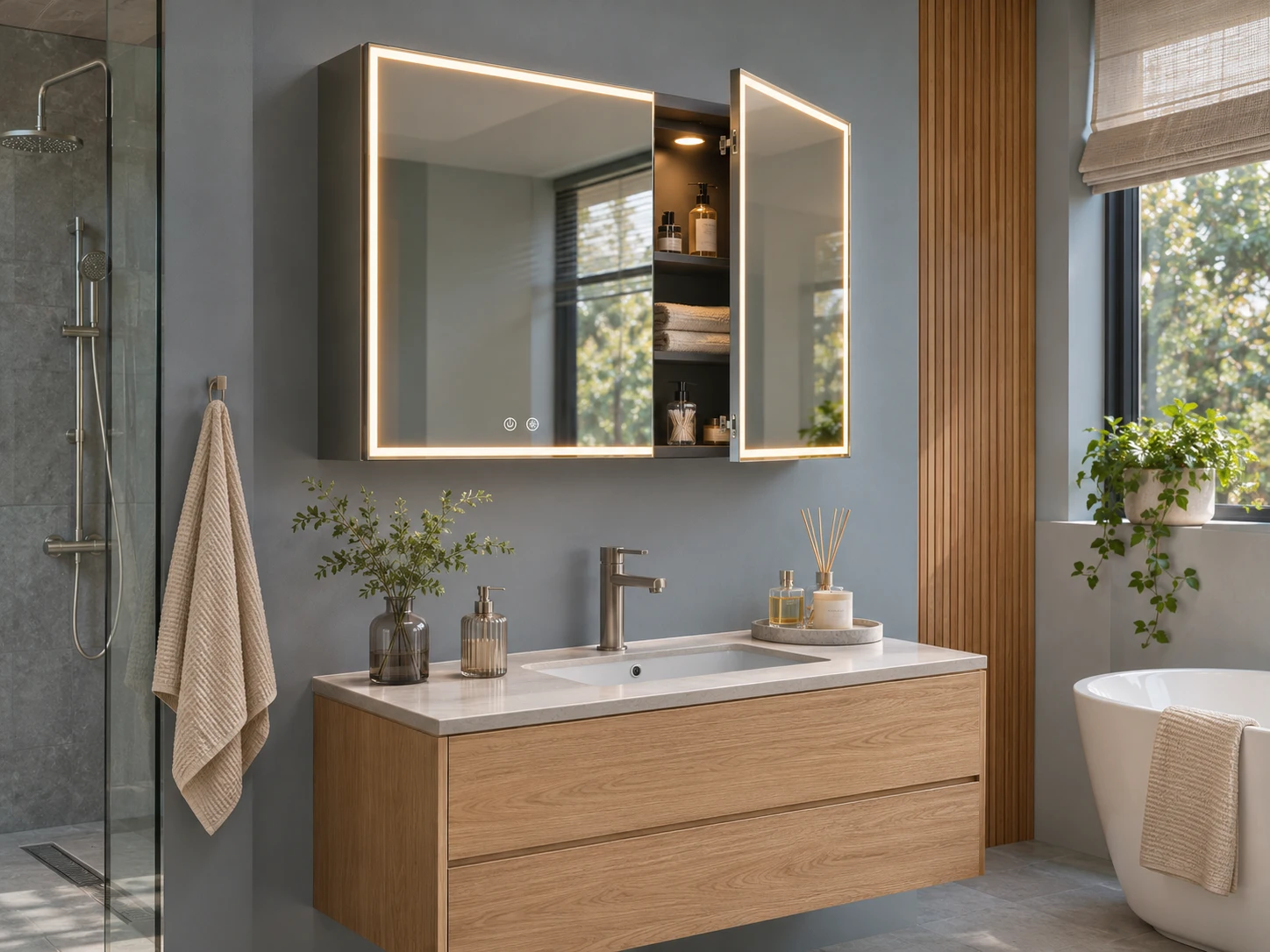
Choose the required outlet format for the destination market. Allow space for the plug, cable and appliance while keeping shelves and hinges accessible.
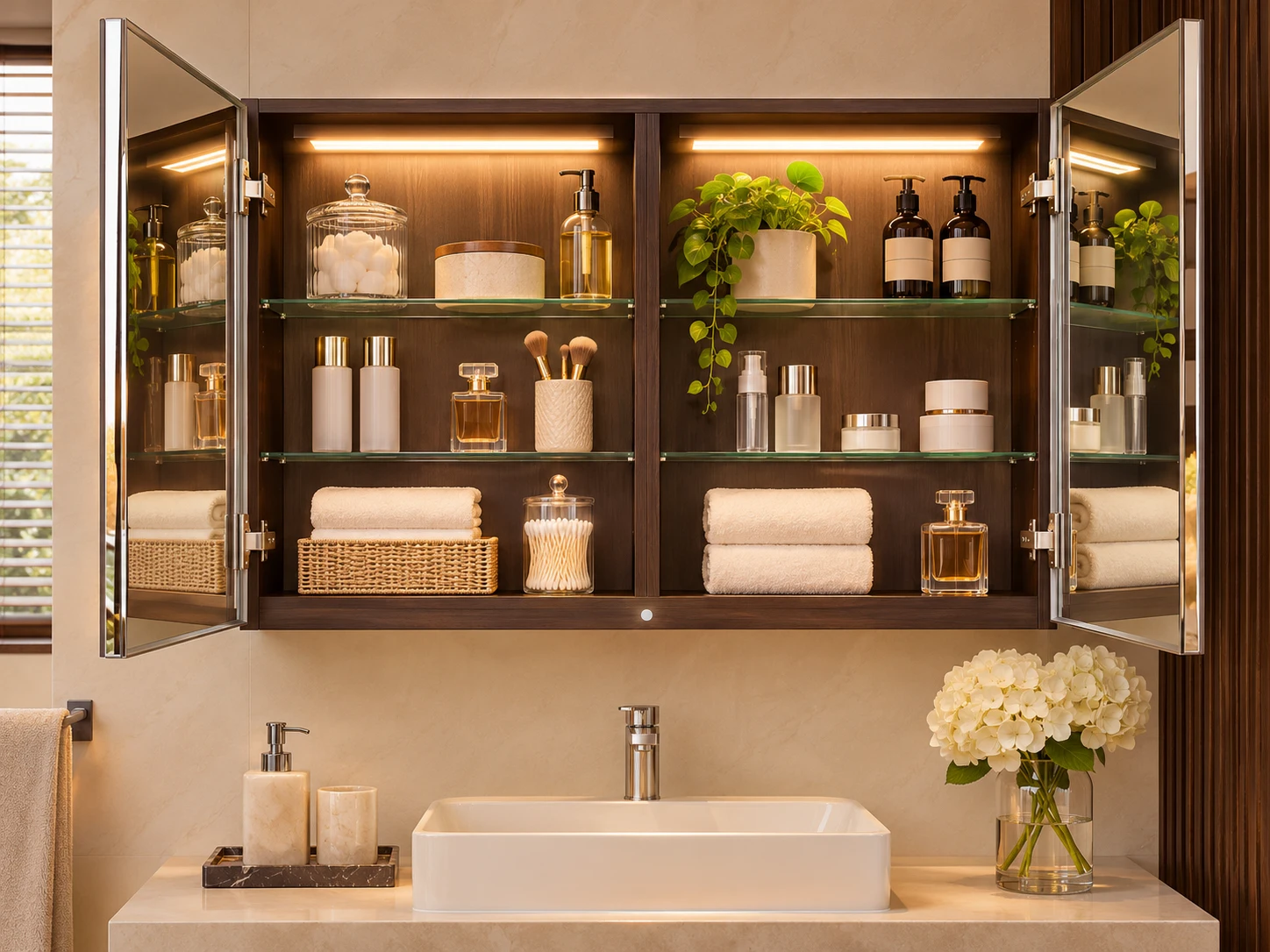
Specify the light position and whether opening one door lights one compartment or the complete cabinet. Check sensor placement against the shelf and door layout.
Compare warm, natural and cool white light on a cabinet, then adjust the brightness to suit the room concept.
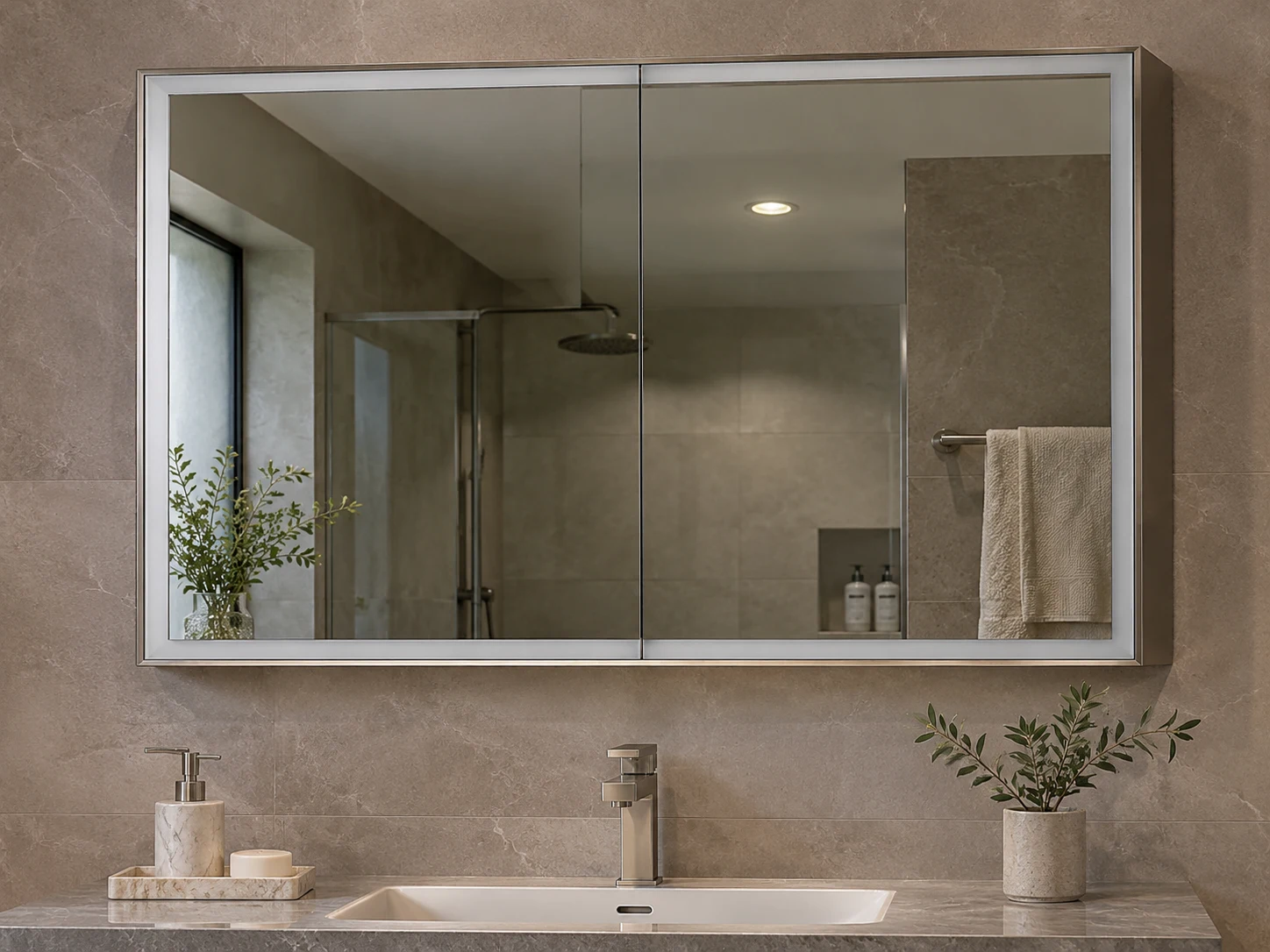
3000K · 80% brightness
Screen preview of light appearance. Confirm available colour temperatures, dimming range and controller operation on the proposed cabinet sample.
Size & options
Proportions are illustrative. Confirm feasible dimensions, feature combinations and wall details on the project drawing.
Use a separate model reference for each lighting and power configuration. Align product instructions and control symbols with the approved sample.
List the functions by room type. Review user reach, a clear control sequence and the proposed outlet position at the vanity.
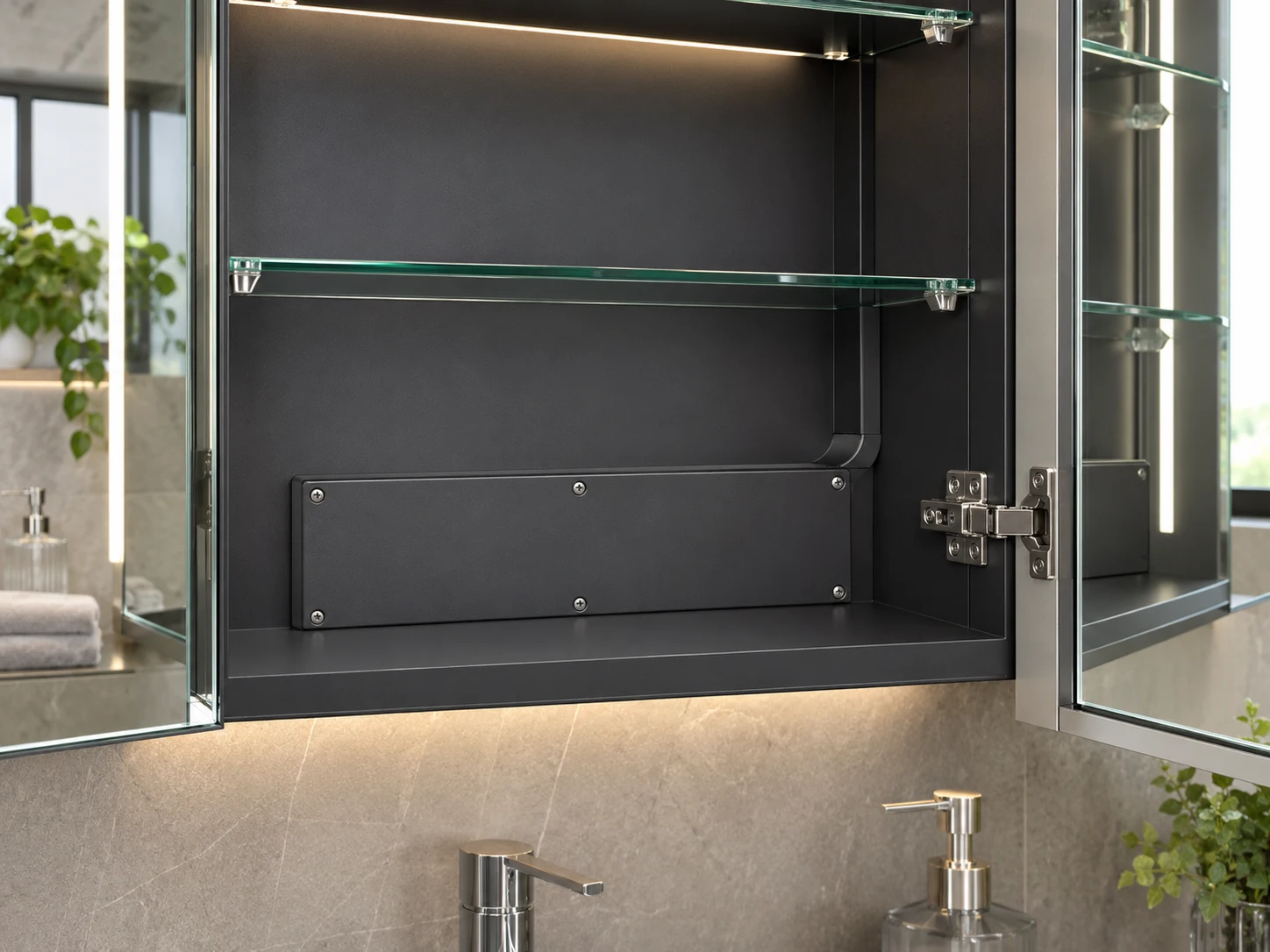
Coordinate cable entry and access to enclosed parts with mounting rails and the wall build-up before the cabinet is released.
A function list becomes useful when the intended response to each control is written down and checked on the cabinet.
Define tap, hold, sensor and door-trigger behaviour for the selected functions.
Try brightness, colour selection, light zones and requested heating controls with the cabinet doors in use.
Agree the control symbols, operating instructions, component references and service-access notes for the order.
Request independent operation and describe the preferred sequence. The control layout, wiring and heated area will be reviewed for the selected cabinet.
Select the desired temperature or adjustable option in the brief. Available temperatures and the actual light appearance are confirmed for the proposed model and sample.
Include the preferred power-restoration behaviour in the request. Memory behaviour depends on the selected controller and should be checked during sample review.
State the destination market and intended appliance. Confirm the proposed component type, specifications and project requirements before approving the configuration.
The preview helps compare colour and brightness appearance on screen. Use the agreed cabinet sample and project lighting review to approve the final light specification.
OEM/ODM & Project Enquiry
Send the door layout, overall and usable depth, installation drawing and quantity by model. Include unresolved wall, electrical or opening-clearance details so the quotation can address the complete cabinet.
For importers, bathroom distributors, private-label ranges and hotel or apartment project schedules.
Images illustrate proposed interiors, product details and packing concepts. They are not completed-project, factory or test evidence.